Blog

Explore our blog for the latest updates, expert tips, and valuable business insights to help you stay ahead and make the most of 365 CRM.

365 CRM WhatsApp Lead Capture dashboard for managing WhatsApp inquiries
Read More

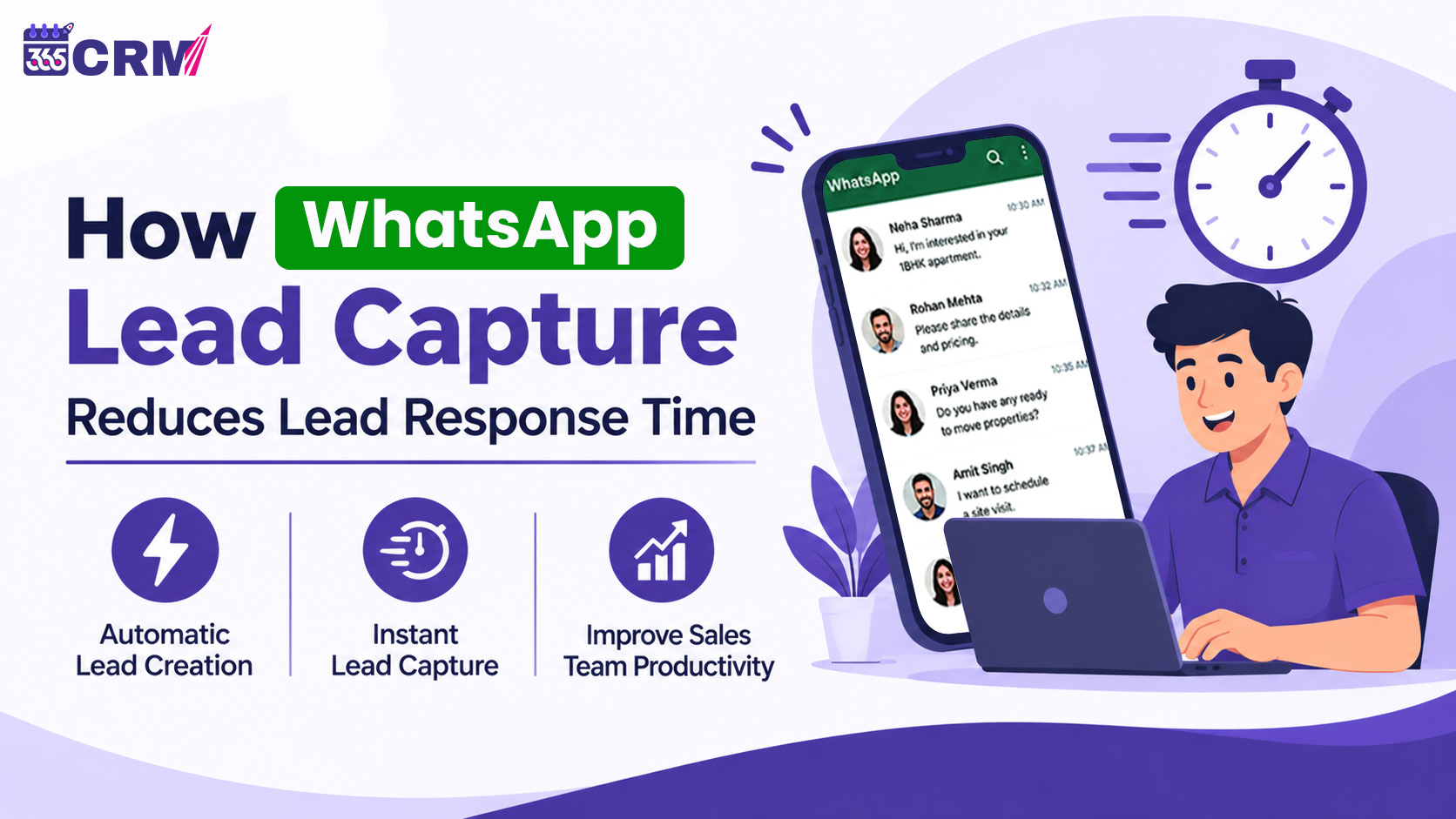
How WhatsApp Lead Capture Reduces Lead Response Time

WhatsApp has become one of the most common channels through which customers in India reach out to businesses for the first time. Whether someone wants product details, a service quote, admission information, or pricing, many customers choose WhatsApp because it is fast and familiar.

For businesses, however, managing WhatsApp inquiries manually creates a real operational challenge. Customer messages arrive inside WhatsApp, but sales teams manage leads inside a CRM. When these two processes are disconnected, team members need to manually check the WhatsApp inbox, collect customer details, open the CRM, create a new lead record, and save it before any follow-up can begin.

Each manual step creates an additional opportunity for delay. When WhatsApp inquiries are managed this way, the gap between a customer reaching out and that inquiry becoming an actionable CRM lead depends entirely on team availability and how quickly someone completes the data entry.

WhatsApp Lead Capture in 365 CRM, powered by WapMonkey, helps reduce this gap. When a new customer sends their first message to a connected WhatsApp Business number, a lead is automatically created inside 365 CRM with the customer's available details. The sales team can then begin follow-up from within the CRM without waiting for manual data transfer to be completed first.

This blog explains how the feature works, what it captures, how to set it up, and which businesses are most likely to benefit from connecting their WhatsApp Business inbox to their CRM workflow.
Sales manager reviewing recorded call in 365 CRM for team coaching
Read More

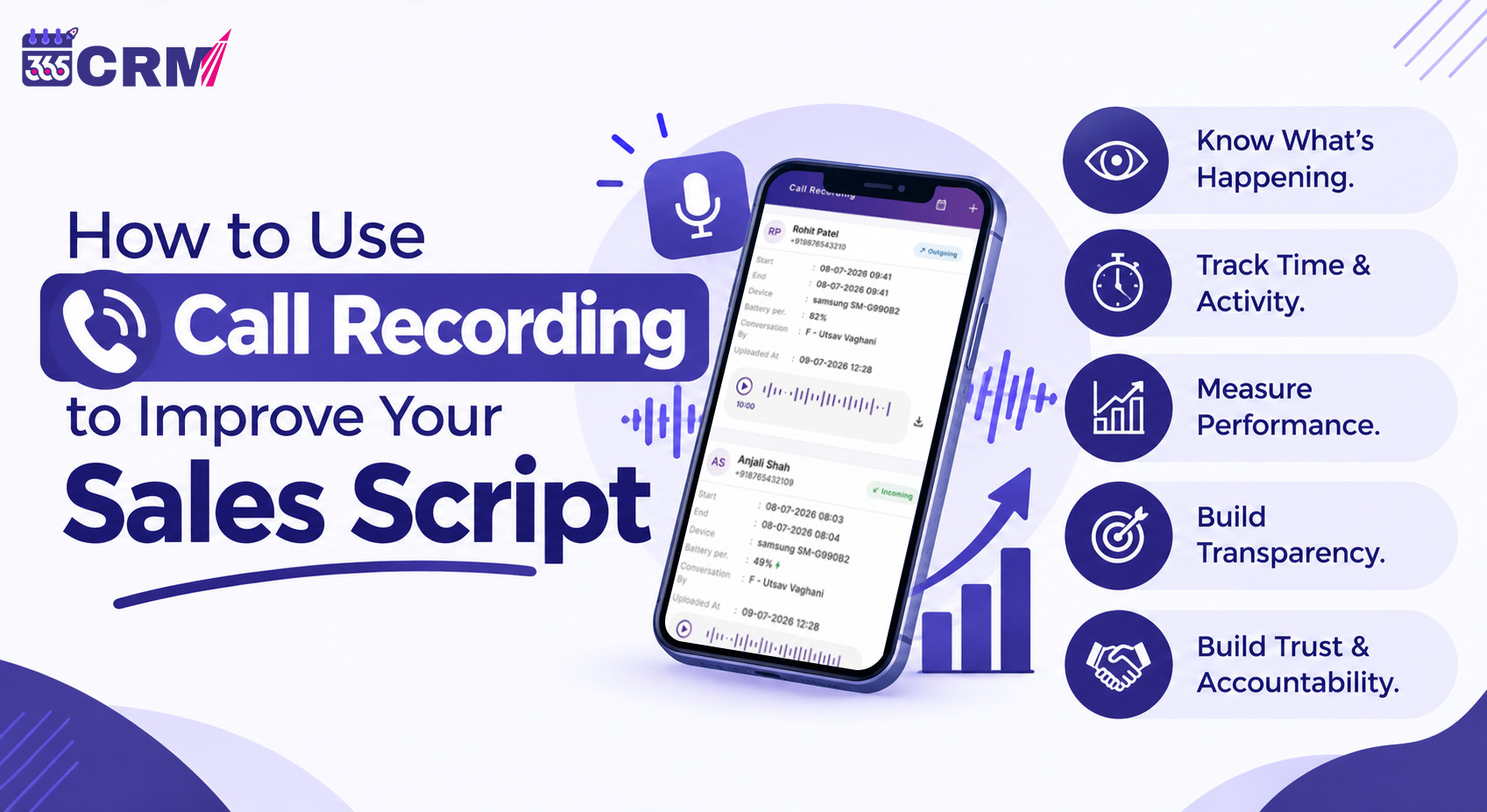
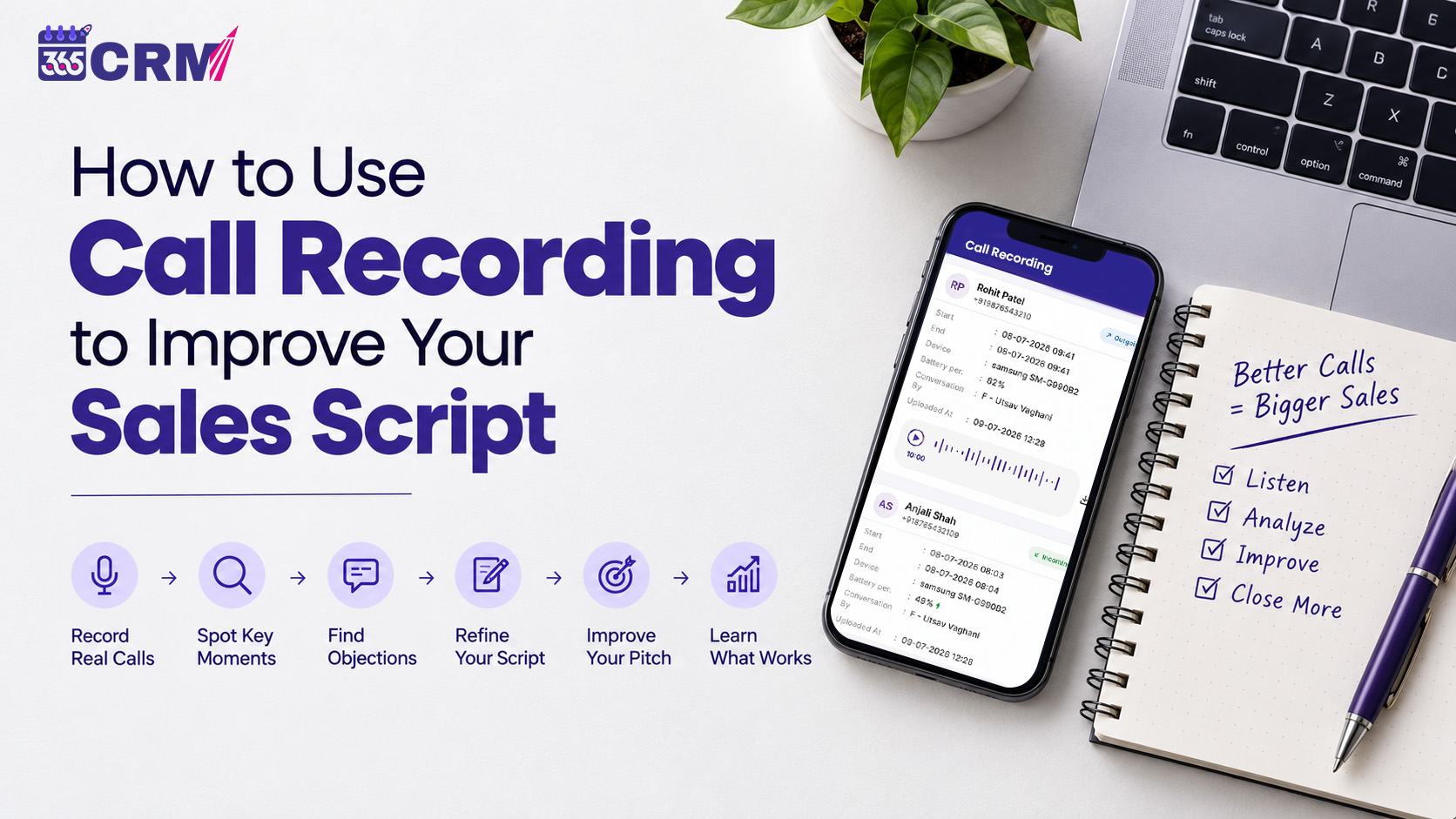
How to Use Call Recording to Improve Your Sales Script

Your best sales agent just closed a deal. The conversation was smooth, the objections were handled well, and the buyer said yes before the call ended.

Now ask yourself: does the rest of your team know exactly what that agent said?

Most sales managers cannot answer that question. They rely on verbal recaps, end-of-day summaries, and gut feeling to coach their team. The result is that every agent develops their own style, their own script, and their own way of handling pushback. Some work. Many do not.

Call recording changes this completely. When every sales conversation is captured and linked to the lead it belongs to, managers can listen to what actually happened instead of guessing. They can find what works, identify what does not, and build a better sales script based on real conversations with real customers.

This guide explains how to use call recording practically to improve your sales script, train your team faster, and close more deals.

365 CRM real estate CRM software dashboard for managing property leads, follow-ups and site visits
Read More

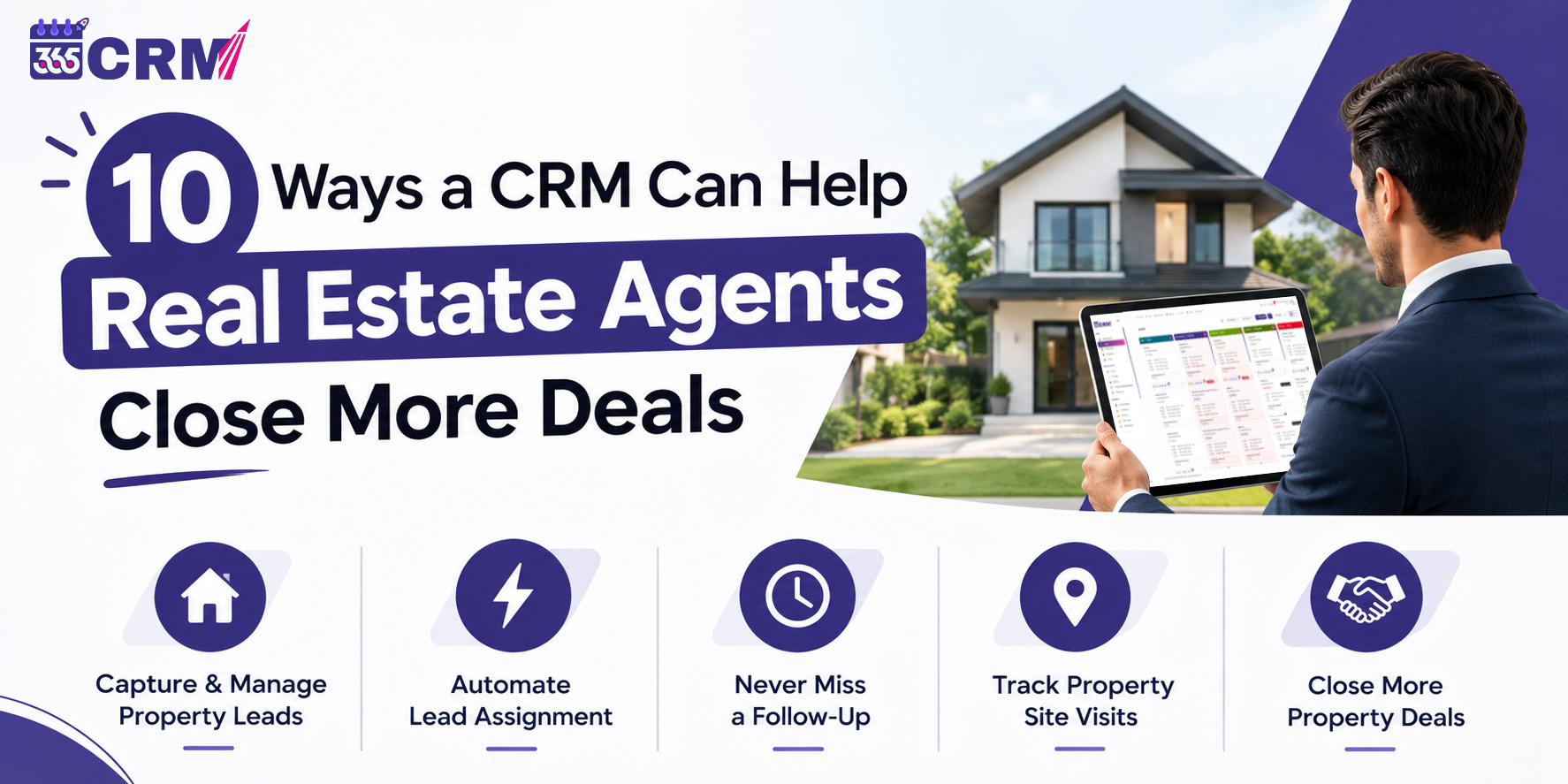
10 Ways a CRM Can Help Real Estate Agents Close More Deals

A potential buyer submits a property enquiry through 99acres. Another prospect fills out a Facebook lead form, while someone else sends a WhatsApp message asking about an upcoming residential project.

Your sales team is already busy handling calls and conducting site visits. By the time these enquiries are reviewed manually, some prospects may have already contacted another property agent.

For real estate businesses, generating leads is only one part of the sales process. Managing those enquiries, responding at the right time, arranging property visits, and maintaining communication throughout the buying journey are equally important.

When these steps depend entirely on manual effort and individual memory, things fall through. Leads go cold. Follow-ups get delayed. Site visits are arranged without proper records. The team works hard but conversions do not reflect that effort.

This is where Real Eestate CRM Software becomes valuable.

A customer relationship management (CRM) system helps real estate agents organise property enquiries, manage follow-ups, monitor sales activities, and maintain complete customer information in one place. Instead of depending on spreadsheets, phone records, and individual reminders, agents can work through a structured sales process that keeps every lead visible and every follow-up on schedule.

For property dealers, real estate agencies, brokers, and developers in India, CRM software can make daily operations easier to manage and significantly reduce the gap between inquiry and conversion.

In this guide, we explore 10 practical ways a CRM can help real estate agents close more deals, along with how 365 CRM supports different stages of the property sales journey.

365 CRM Employee Monitoring System Dashboard
Read More

How an Employee Monitoring System Builds Real Accountability

Your team is working. But can you clearly see how those working hours are actually being used?

For managers handling remote teams, hybrid setups, or growing businesses, that question is rarely easy to answer. Employees may be logged in, messages may be moving, and meetings may be happening, yet projects still fall behind. Expected output does not match the hours recorded. And when you ask what happened, no one has a clear, evidence-backed answer.

The solution is not more meetings, more status updates, or more pressure. What managers need first is better visibility.

A good Best employee monitoring system creates that visibility by recording defined work activity including active and idle time, login sessions, application usage, and periodic screenshots. When this information is available transparently to both managers and employees, it supports clearer conversations about workload, performance, and accountability.

The 365 CRM Employee Monitoring System is built around this principle. It gives businesses complete visibility into desktop work activity while allowing employees to review their own monitoring data through a personal My Activity panel. The result is accountability that works in both directions, not just top-down surveillance.

In this guide, we will look at how an employee monitoring system supports real accountability, what 365 CRM specifically tracks, how to use monitoring data responsibly, and how to get started.

365 CRM Boost Sales Lead Routing Dashboard
Read More

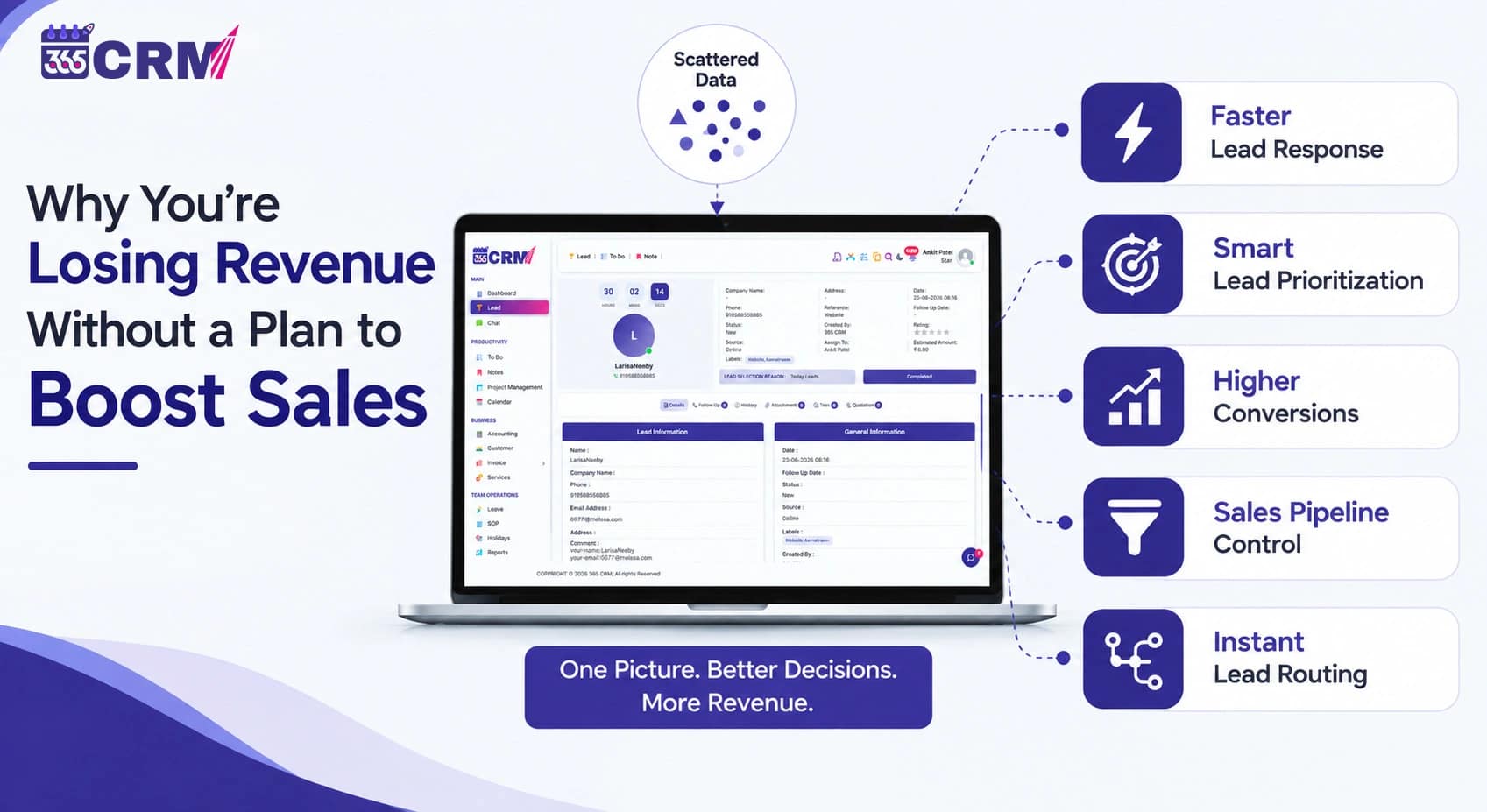
Why You're Losing Revenue Without a Plan to Boost Sales

A lead comes in. Nobody notices it for 45 minutes. By the time your sales executive calls, the prospect has already spoken to two competitors and made a decision.

This is not a rare event. For most growing businesses, this happens multiple times every single day. And the painful part is that the revenue is lost silently. No alert. No report. No warning. The lead simply goes cold and disappears from your pipeline without anyone realizing it cost you a real sale.

Most business owners focus on generating more leads when revenue drops. More ads. More campaigns. More outreach. But the real problem is rarely at the top of the funnel. It is in the middle, where incoming leads fall through the cracks because there is no system in place to handle them the right way, at the right time, every time.

Without a clear plan to boost sales, your team is always playing catch-up. And catch-up in sales almost always means lost revenue.

Have Questions?

We're here to help! Reach out to us today and discover how 365 CRM can transform your business.

Chat on WhatsApp
Call Support