
































































Your best sales agent just closed a deal. The conversation was smooth, the objections were handled well, and the buyer said yes before the call ended.
Now ask yourself: does the rest of your team know exactly what that agent said?
Most sales managers cannot answer that question. They rely on verbal recaps, end-of-day summaries, and gut feeling to coach their team. The result is that every agent develops their own style, their own script, and their own way of handling pushback. Some work. Many do not.
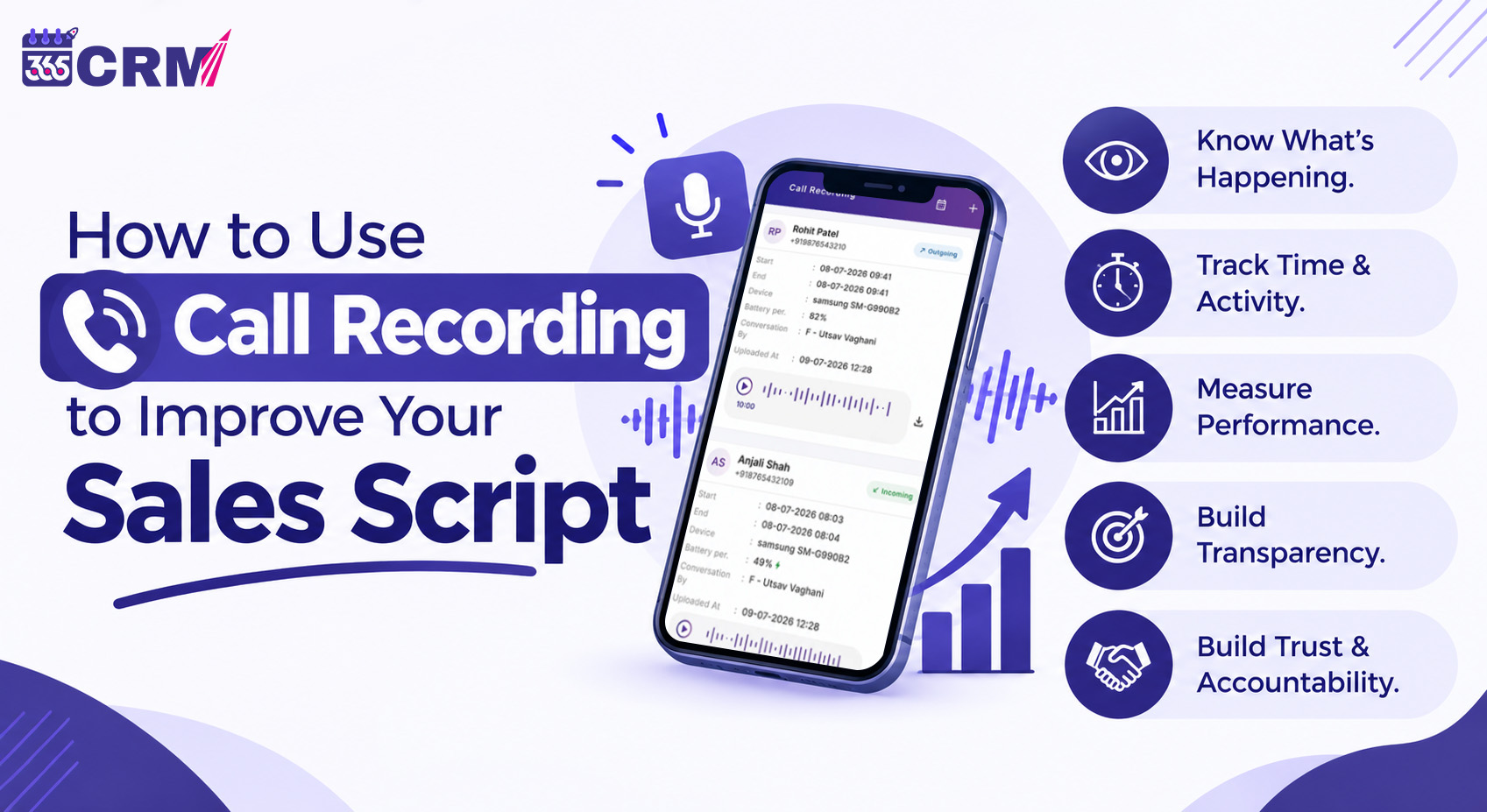
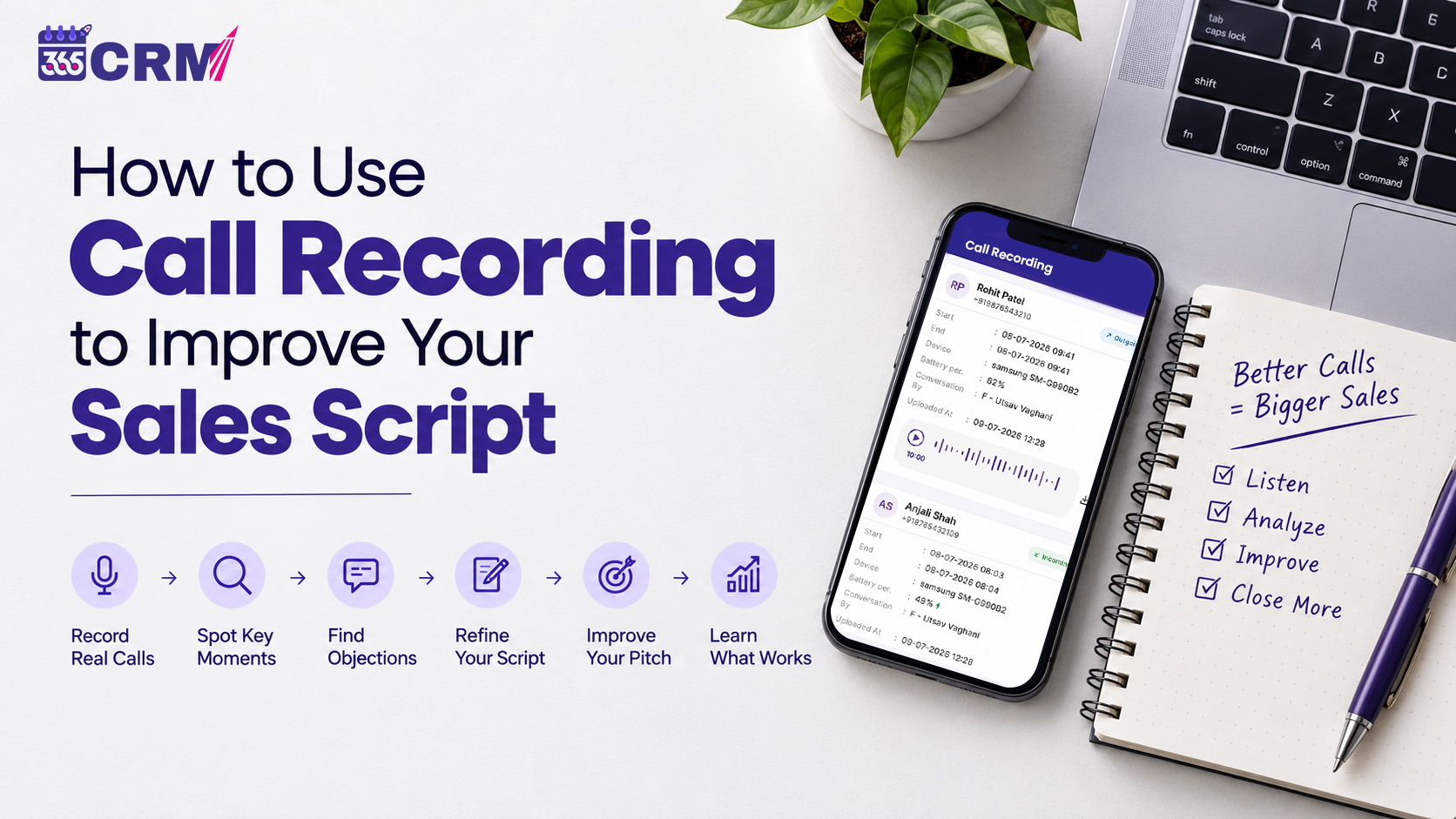
Call recording changes this completely. When every sales conversation is captured and linked to the lead it belongs to, managers can listen to what actually happened instead of guessing. They can find what works, identify what does not, and build a better sales script based on real conversations with real customers.
This guide explains how to use call recording practically to improve your sales script, train your team faster, and close more deals.