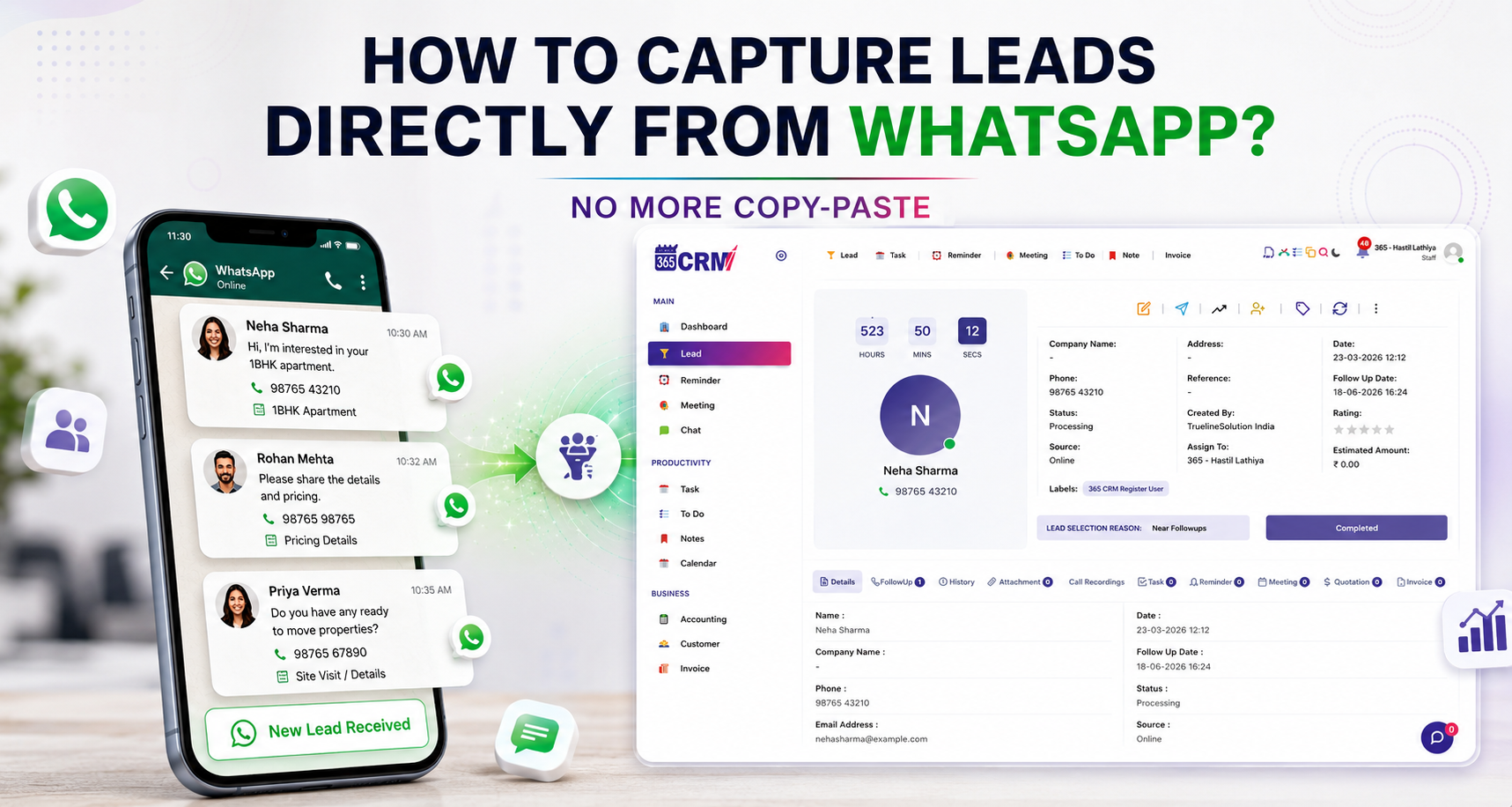
How to Capture Leads Directly From WhatsApp — No More Copy-Paste
Every day, thousands of businesses receive dozens of WhatsApp inquiries. A potential customer messages your WhatsApp Business number, asks about your product, and waits for a reply. But by the time your team manually copies their name and number into a spreadsheet or CRM, the lead has gone cold — or worse, moved on to a competitor who responded faster.
If this sounds familiar, you are not alone. WhatsApp is one of the most powerful sales channels for businesses in India and across the world. Yet most businesses still handle WhatsApp leads manually, which means they are leaking sales every single day.
That is exactly the problem 365 CRM's new WhatsApp Lead Capture feature is built to solve.
What Is WhatsApp Lead Capture?
WhatsApp Lead Capture is a new feature in 365 CRM that automatically converts every new WhatsApp inquiry into a lead inside your CRM — without any manual effort from your team.
When a customer messages your WhatsApp Business number for the very first time, the system instantly creates a new lead in your 365 CRM dashboard, complete with the customer's name, mobile number, their first message, and any labels you have set up. Your sales team sees it immediately and can follow up without delay.
This feature is powered by WapMonkey, 365 CRM's own official WhatsApp Business API platform — built specifically to work alongside 365 CRM.
Why WhatsApp Leads Are Being Lost Right Now
Before understanding how the solution works, it helps to understand why businesses consistently lose WhatsApp leads in the first place.
1. Delayed Follow-Ups Kill Conversions
When a WhatsApp inquiry lands in your chat window, it sits there until someone on your team notices it. By the time they manually copy the customer's details into your CRM and assign it to a sales rep, valuable time has passed. Customer interest drops fast when a response is slow.
2. Conversations Get Scattered
Without a system to capture leads from WhatsApp, inquiries are buried in your chat history. There is no way for your team to track who has been followed up with and who hasn't. Important conversations fall through the cracks.
3. Duplicate Lead Entries Create Confusion
When leads are entered manually, the same customer can end up in your CRM multiple times. This creates confusion for your sales team, wastes time, and distorts your actual lead count.
WhatsApp Lead Capture by 365 CRM addresses every one of these problems automatically.
How WhatsApp Lead Capture Works with 365 CRM + WapMonkey
The entire process is simple and runs automatically once set up. Here is how it works step by step.
Step 1: Setup and Subscribe
Connect your WhatsApp Business App number to WapMonkey through a simple onboarding process. Then, inside WapMonkey's Lead Capture settings, you enable Lead Capture, paste your unique 365 CRM API key (found in General Settings → Integration → Website Lead Integration), assign your preferred labels, and save. That is it — you are live.
Step 2: A New Customer Sends a Message
A new customer messages your WhatsApp Business number for the first time. Their message appears in real time inside the WapMonkey chat panel.
Step 3: Instant Lead Created in 365 CRM
The system recognizes that this is the customer's first message. A new lead is instantly created in 365 CRM — pre-filled with the customer's name, mobile number, message content, your WhatsApp number, and all assigned labels. Your sales team can start following up within seconds.
Key Capabilities of WhatsApp Lead Capture
Automatic Lead Creation — No Manual Steps
Every new WhatsApp inquiry is converted into a CRM lead the moment it arrives. Your team does not need to do anything to capture the lead — it is already in the system.
First Message Detection
The system identifies whether a contact is messaging your number for the first time. If the same customer messages again later, no duplicate lead is created. Only genuinely new contacts trigger lead creation, keeping your CRM clean and accurate.
Smart Duplicate Prevention
Returning customers are recognized automatically and skipped. This eliminates duplicate entries and keeps your lead data reliable.
Custom Label Assignment
You can assign one label or multiple labels to incoming leads from each WhatsApp number. For example, a single lead can be tagged with "WhatsApp Lead", "Gujarat", and "Surat" at the same time — making filtering and team assignment easy.
Complete Customer Profile — Instantly
Every lead arrives pre-filled with the customer's name, mobile number, their first message, your WhatsApp number, and your configured labels. Your sales team has full context from the very first moment.
One-Time API Key Setup
Connect WapMonkey to 365 CRM once using your unique API key. After setup, everything runs automatically with no ongoing configuration required.
What Is WapMonkey and Why Does It Matter?
WapMonkey is not a third-party tool. It is 365 CRM's own WhatsApp Business API platform, built specifically to work alongside 365 CRM.
WapMonkey is an Official WhatsApp Business API Partner, which means your business communicates through a trusted, compliant, and reliable WhatsApp channel.
Beyond WhatsApp Lead Capture, WapMonkey also offers:
- Real-Time Analytics Dashboard — Monitor WhatsApp number status, credit usage, campaign performance, and chat counters in one place.
- Easy Template Creation — Create WhatsApp templates including carousel templates with images and buttons, using a no-code interface.
- Powerful Broadcast Campaigns — Send personalized messages to your entire contact list. Segment contacts by tags and groups for targeted outreach.
- No-Code Chatbot for automated responses
- Shared Team Inbox so multiple team members can manage WhatsApp conversations together
- Product Catalog integration
- Bulk Broadcasting for large campaigns
WapMonkey is trusted by 5,000+ clients worldwide with 4+ years of excellence and provides 24/7 support.
Where Are Your Current Leads Coming From?
365 CRM already integrates with many popular lead sources, including Facebook Leads, IndiaMart, JustDial, Google Ads, Housing, MagicBricks, 99acres, TradeIndia, WordPress websites, Google Forms, Systeme.io, and Pabbly.
WhatsApp Lead Capture adds your WhatsApp Business inbox to this list — making 365 CRM a truly all-in-one lead management platform where every channel feeds into one central system.
No more switching between apps. No more missed inquiries.
Who Should Use WhatsApp Lead Capture?
This feature is ideal for:
- Small and medium businesses that receive regular WhatsApp inquiries and want to stop managing them manually
- Sales teams who need leads assigned and ready to follow up the moment they arrive
- Real estate agents who get property inquiries on WhatsApp from platforms like Housing and 99acres
- E-commerce and retail businesses where customer queries on WhatsApp often lead to direct purchases
- Service businesses such as education, healthcare, and finance, where WhatsApp is a primary communication channel with clients
If your business uses WhatsApp to communicate with customers and you want those conversations to become trackable, actionable CRM leads automatically, this feature is built for you.
Pricing and How to Get Started
WhatsApp Lead Capture is available as a combined 365 CRM + WapMonkey package under a single yearly plan of ₹1,500.
Important: This feature requires a WhatsApp Business App number. It does not work with a personal WhatsApp account. You must complete onboarding by connecting your WhatsApp Business number to WapMonkey first.
To get started:
Sign up or log in to 365 CRM
Generate your API key from General Settings → Integration → Website Lead Integration
Connect your WhatsApp Business number to WapMonkey
Enable Lead Capture, paste your API key, assign labels, and save
You are live in minutes.
FAQs
No. This feature works with a WhatsApp Business App number only. You must connect your WhatsApp Business number to WapMonkey before Lead Capture can be activated.
No. A lead is only created when a customer messages your number for the very first time. If the same customer messages again, no new lead is created and no duplicate entry appears in your CRM.
Go to 365 CRM → General Settings → Integration → Website Lead Integration. There you will find the option to generate your unique API key.
Yes. You can assign one label or multiple labels to incoming leads. For example, you can add "WhatsApp Lead", "Gujarat", and "Surat" all to the same lead at the same time.
No. WapMonkey is 365 CRM's own platform, built specifically to work with 365 CRM. It is an Official WhatsApp Business API Partner.
Every lead is pre-filled with the customer's name, mobile number, their first message, your WhatsApp number, and any labels you have configured.