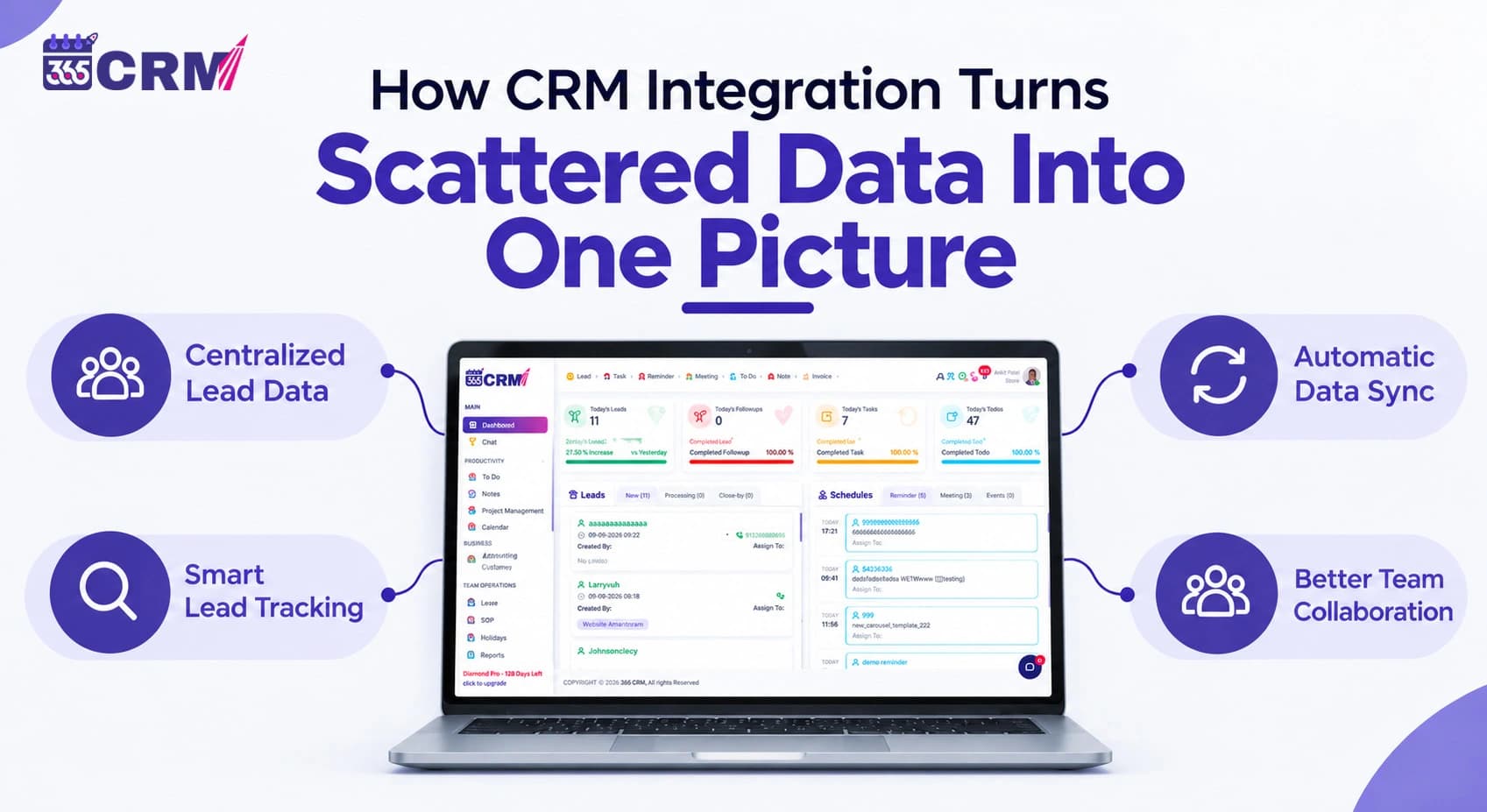
How CRM Integration Turns Scattered Data Into One Clear Picture
A lead fills out a form on your website. Another sends an inquiry through IndiaMART. Someone else messages your business on WhatsApp after seeing a Facebook ad. Before the day is even halfway over, those potential customers may already be sitting in completely different places — an inbox, an advertising platform, a directory account, a spreadsheet, or someone's phone.
The problem isn't a lack of leads. The problem is that the information is scattered.
This is where CRM integration becomes useful. Instead of asking your team to constantly move information from one platform to another, integrations help bring lead data into a central CRM where it can be organized, assigned, tracked, and followed up on.
For businesses using several lead-generation channels at the same time, that can mean a much clearer picture of where leads are coming from and what needs to happen next.
What Does CRM Integration Actually Mean?
CRM integration is the process of connecting a customer relationship management system with the other platforms a business already uses.
These could include advertising platforms, websites, business directories, messaging tools, forms, real estate portals, and automation software.
The purpose is simple: allow information to move between connected systems without requiring someone to repeatedly copy and paste it manually.
Without this connection, lead information may be spread across:
- Facebook and Google advertising platforms
- IndiaMART, TradeIndia, JustDial, and other business directories
- 99acres, Housing.com, and MagicBricks
- Website contact forms
- Google Forms
- WhatsApp conversations
- Email inboxes
- Spreadsheets
Each source may contain useful information about a potential customer. But when those sources remain disconnected, the sales team has to piece the information together manually.
The Real Cost of Scattered Lead Data
Scattered information may seem manageable when a business receives only a few inquiries. As lead volume increases, however, manual processes become much harder to maintain.
Leads Can Be Missed
Consider an inquiry arriving through a business directory after office hours. If someone has to log in to that directory the following morning, copy the information, and send it to a salesperson, there are several opportunities for delay.
When multiple platforms are involved, remembering to check every source becomes another daily task.
Sales and Marketing See Different Information
Marketing teams may be looking at Facebook or Google campaign dashboards while sales representatives work from spreadsheets, WhatsApp, or separate lead lists.
This creates different versions of the customer journey.
A unified customer data CRM approach helps both teams work with information collected in a central system instead of relying on disconnected records.
Manual Data Entry Creates Unnecessary Work
Moving names, phone numbers, email addresses, requirements, and lead sources from one system to another takes time.
It can also introduce mistakes.
A number can be entered incorrectly. A source field can be forgotten. The same inquiry can be entered twice.
Good CRM data integration reduces this repetitive work by allowing supported platforms to send lead information directly into the CRM.
Reporting Becomes Difficult
One of the most important questions for any business is:
Which lead sources are actually producing useful opportunities?
That becomes difficult to answer when Facebook inquiries are in one place, IndiaMART inquiries somewhere else, website leads in an inbox, and sales results in a spreadsheet.
Centralizing lead-source information makes it easier to connect marketing activity with the sales process.
How CRM Integration Brings Everything Together
Instead of checking several platforms individually, businesses can connect supported lead sources with their CRM.
With 365 CRM, for example, businesses can connect multiple types of lead-generation platforms and tools.
| Integration Category | Examples | What It Helps Solve |
| Ads & Lead Generation | Facebook Lead Ads, Google Ads, Google Forms | Reduces manual transfer of campaign and form leads |
| Business Directories | IndiaMART, JustDial, TradeIndia, SoftwareSuggest | Brings directory inquiries into the lead-management process |
| Real Estate Portals | 99acres, Housing.com, MagicBricks | Helps organize property inquiries from different portals |
| Website & Forms | Website forms, WordPress | Captures website inquiries in the CRM |
| Automation | Systeme.io, Pabbly Connect | Connects CRM workflows with additional business tools |
| Communication | WhatsApp through WapMonkey, email/SMTP | Helps connect communication and lead-management workflows |
The exact setup varies depending on the platform, but the objective remains the same: fewer disconnected lead sources and a more centralized sales process.
From Four Lead Sources to One Pipeline
The difference is easier to understand with a simple example.
Without integration:
Facebook Lead → Facebook
IndiaMART Inquiry → IndiaMART
Website Form → Email Inbox
WhatsApp Inquiry → WhatsApp
A salesperson or manager then has to check these platforms separately and transfer the relevant information into whatever system the company uses for sales.
With CRM integration
Facebook Lead ↘
IndiaMART Inquiry ↘
Website Form → 365 CRM → Lead Management → Assignment → Follow-Up
WhatsApp Inquiry ↗
Instead of changing where customers contact the business, the CRM connects those sources with the internal lead-management process.
That distinction is important.
Customers can continue using the channels they prefer. The business simply becomes better organized behind the scenes.
Why One Customer Picture Matters More Than More Features
When businesses compare CRM platforms, feature lists often receive most of the attention.
But having dozens of features does not automatically solve fragmented lead management.
A CRM becomes significantly more useful when the actual data your team needs reaches it consistently.
Lead Source Information Becomes More Useful
A lead source integration CRM setup can preserve information about where an inquiry originated.
That helps a business distinguish between leads generated through sources such as Facebook, Google, IndiaMART, a website form, or a property portal.
Once that information is available inside the sales process, teams have better context when reviewing leads and evaluating different acquisition channels.
Sales Teams Get Better Visibility
Instead of one salesperson checking WhatsApp while another maintains a spreadsheet and a manager reviews directory inquiries, connected lead sources can feed a common lead-management workflow.
Everyone can work from a more consistent picture of incoming opportunities.
Automation Has Better Data to Work With
CRM automation integration is most useful when reliable lead information is already entering the system.
For example, a workflow may depend on the lead source, assignment, status, or another captured field.
Integrations help provide the data that those workflows need.
CRM Integration vs. Manual Lead Tracking
| Aspect | Manual Tracking | Integrated CRM |
| Lead capture | Information manually transferred between platforms | Supported sources can send data into the CRM automatically |
| Missed leads | Greater dependence on employees checking each platform | Centralized lead collection reduces platform switching |
| Lead source | Can be forgotten during manual entry | Source information can be captured with the lead |
| Team visibility | Information may remain in separate tools | Teams can work from a shared lead pipeline |
| Data entry | Repeated copy-and-paste work | Less manual transfer of lead information |
| Follow-up | Depends heavily on how quickly individual sources are checked | Leads become available to the sales workflow sooner |
How 365 CRM Handles Different Lead Sources
The value of CRM integration becomes clearer when we look at actual business situations rather than generic software features.
Facebook and Google Lead Generation
Businesses running paid advertising campaigns don't want their sales team repeatedly downloading leads and moving them into another system.
Facebook Lead Ads and Google lead integrations help connect advertising-generated inquiries with the CRM lead-management process.
This creates a more direct path between marketing campaigns and sales follow-up.
IndiaMART, TradeIndia, JustDial and SoftwareSuggest
Businesses using online directories can receive inquiries across several separate accounts.
365 CRM supports integrations with platforms including IndiaMART, TradeIndia, JustDial, and SoftwareSuggest, helping businesses bring those inquiries into their CRM workflow rather than managing every directory independently.
This is particularly useful for businesses receiving a steady volume of directory-generated leads.
Real Estate Lead Integration
Real estate companies frequently face an even more fragmented lead environment.
An agency or developer might receive property inquiries from 99acres, Housing.com, MagicBricks, advertisements, and its own website at the same time.
A real estate lead integration CRM setup can bring supported portal inquiries into a common pipeline where the sales team can manage them more consistently.
Website and WordPress Leads
Your website is another important lead source.
365 CRM supports website lead capture, including WordPress-related form workflows, allowing website inquiries to become part of the same CRM process used for leads coming from external platforms.
This reduces the need to manually transfer contact-form submissions from an email inbox into a sales database.
WhatsApp CRM Integration With WapMonkey
WhatsApp deserves separate attention because many businesses use it as a primary customer communication channel.
365 CRM works with WapMonkey, its own WhatsApp platform built specifically to integrate with 365 CRM.
With the WhatsApp lead-capture setup, new WhatsApp Business inquiries can be captured as CRM leads, reducing the need for employees to manually create a lead every time a new prospect starts a conversation.
This makes WhatsApp CRM integration particularly useful for businesses where customers prefer messaging over traditional contact forms.
It is also important to understand what this means: the goal isn't to create a new lead for every message in an ongoing conversation. The integration is designed to help turn new customer inquiries into trackable CRM leads.
Connecting More Apps Through Pabbly Connect
No CRM can realistically build a native integration for every business application.
This is where third-party automation platforms become useful.
365 CRM supports connectivity through Pabbly Connect webhooks, allowing businesses to extend workflows to 1,000+ apps beyond the core built-in integration list.
This gives businesses more flexibility when they need to connect CRM with business tools that aren't available as direct native integrations.
Rather than replacing the CRM, these automation connections extend what can communicate with it.
What CRM Integration Doesn't Do
Integration solves a data-flow problem. It doesn't replace a sales strategy.
A lead entering your CRM still needs someone to understand the requirement, qualify the opportunity, communicate with the prospect, schedule the appropriate follow-up, and move the opportunity toward a decision.
What integration can remove is much of the unnecessary work between:
“Someone contacted our business”
and
“Our sales team can see and work on that lead.”
That is an important distinction when evaluating any CRM integrations software.
Automation should support the sales process, not be mistaken for the sales process itself.
What Does Setting Up an Integration Usually Involve?
The setup depends on the platform being connected.
Some integrations may require connecting an account or configuring the necessary credentials inside the CRM. Others may rely on APIs, webhooks, forms, or an automation platform.
For example, WhatsApp lead capture within the 365 CRM ecosystem works with WapMonkey, while broader CRM third-party app integration requirements can be handled through Pabbly Connect webhooks.
The important question isn't simply:
“How many integrations does this CRM have?”
A better question is:
“Does it connect with the platforms where our actual leads come from?”
For one business, Facebook and Google may matter most. For another, it could be IndiaMART and TradeIndia. A real estate company may care far more about 99acres, Housing.com, and MagicBricks.
The best integration setup is therefore the one that matches the company's actual lead-generation process.
Who Benefits Most From CRM Integration?
Businesses running Facebook or Google advertising can benefit when campaign leads move into a structured sales workflow rather than remaining isolated inside advertising platforms.
Real estate agencies, brokers, and developers can benefit when inquiries from multiple property portals are managed through one pipeline.
Service providers and B2B companies receiving inquiries through IndiaMART, JustDial, TradeIndia, or similar directories can reduce the daily work of checking individual lead sources.
Growing sales teams also benefit because centralized lead information gives managers and representatives a common place to work from.
In these situations, CRM integration isn't primarily about having more technology. It is about reducing the number of disconnected places the team has to manage.
Choosing a CRM Based on Integrations
When evaluating the best CRM for integrations in India, don't judge the platform only by the total number of integrations advertised.
Start with your own lead sources.
Make a list of where inquiries currently come from:
Facebook?
Google?
IndiaMART?
JustDial?
TradeIndia?
WhatsApp?
Your website?
99acres or another real estate portal?
Then check whether the CRM can connect those specific sources and what information actually moves between the systems.
This approach is far more useful than selecting software because it claims to support hundreds of applications your business may never use.
Conclusion
Scattered customer information isn't always a lack-of-data problem. Often, the information already exists — it's simply sitting in several systems that don't communicate with each other.
CRM integration helps connect those systems.
A Facebook inquiry, IndiaMART lead, website form, property portal inquiry, or new WhatsApp lead can become part of a centralized lead-management process instead of remaining an isolated piece of information someone has to manually find and transfer.
That's the real value of integration: not adding another tool to your business, but helping the tools you're already using work together.
For businesses using several lead-generation channels, one connected picture can be far more valuable than another disconnected feature.
FAQs
CRM integration is the process of connecting a CRM with other business platforms so relevant customer and lead information can move between them automatically. These connections can include advertising platforms, websites, business directories, forms, communication tools, and automation software.
365 CRM supports integrations with lead sources and tools including Facebook Lead Ads, Google Ads, Google Forms, IndiaMART, JustDial, TradeIndia, SoftwareSuggest, 99acres, Housing.com, MagicBricks, WordPress/website lead capture, Systeme.io, WhatsApp through WapMonkey, and Pabbly Connect for broader app connectivity.
No. Integration can automate or simplify data capture and movement, but it doesn't replace the sales process. Your team still needs to review, qualify, communicate with, and follow up with leads.
Yes. 365 CRM supports Pabbly Connect webhook integration, which can extend connectivity to more than 1,000 apps. The exact workflow and available data will depend on the application being connected.
It reduces the delay caused by manually checking multiple platforms and transferring lead information. When supported lead sources are connected to the CRM, new inquiries can enter the sales workflow sooner, giving the team an opportunity to review and respond without repeatedly checking each individual source.